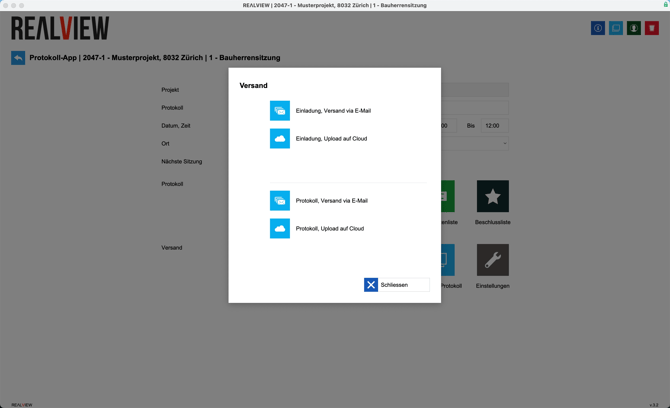
When you click on Send, you have the option to send the invitation or the minutes. There are two ways to send:
- Send via email - Adds a PDF with the minutes to the email
- Upload to cloud - Uploads the minutes as a PDF to our cloud and adds the download link to the email. Recipients can view and download the PDF via the download link
Sending opens your email program or email delivery via the minutes app. This depends on your settings in Program Management.
Once the PDF has been sent, this can be seen via the green check mark that appears. If you move the mouse over the check mark, you can see when and by whom the PDF was sent.