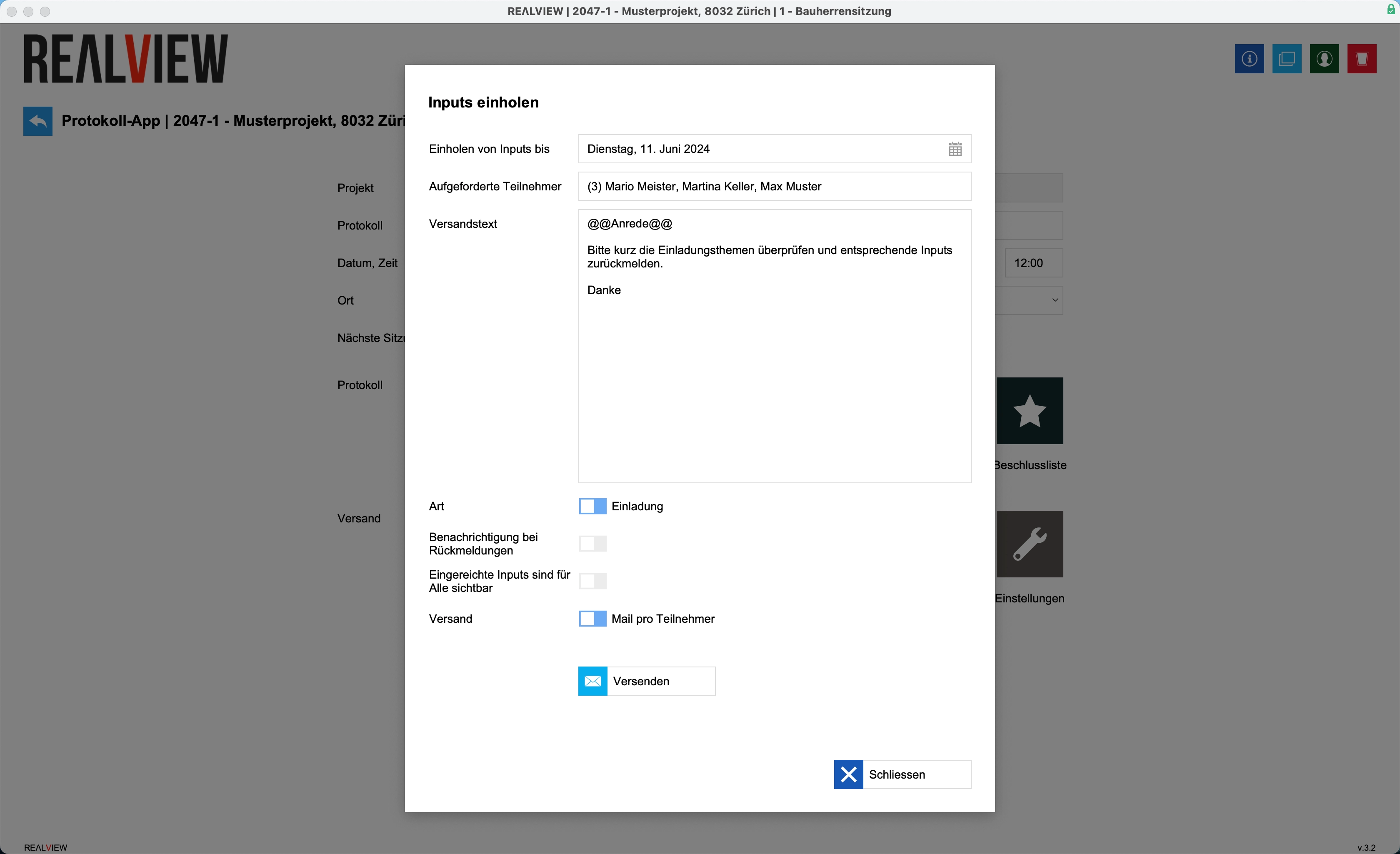
When you select Collect inputs, a mailing is sent out in which you can specify the deadline for submitting inputs.
You can also specify whether the inputs are to be submitted for the invitation or the minutes, and whether you would like to be notified by email when inputs are submitted.
If you set the submitted inputs to be visible to everyone, each requested person will see the inputs of the others. If this function is deactivated, people will only see their own inputs.
If mail per participant is active, each participant will receive a separate email for entering their inputs. With a group email, all invited participants receive an email listing all recipients.
Once the input request has been sent, this can be seen via the green check mark that appears. If you hover your mouse over the check mark, you can see when and by whom the input request was sent.