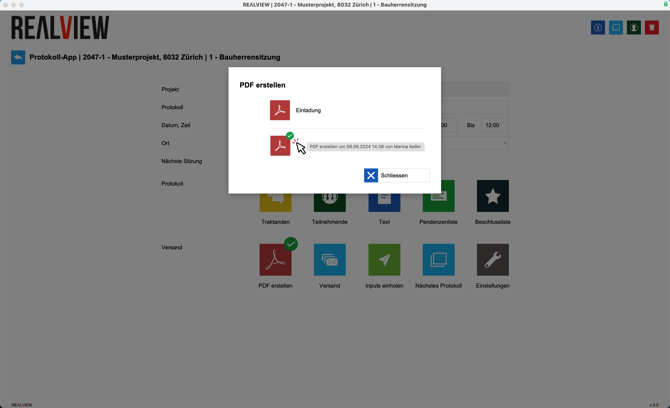
If you want to create the invitation or minutes to view the printout, you can do so by creating a PDF.
Once the PDF has been created, it can be viewed by clicking on the green check mark that appears. If you hover your mouse over the check mark, you can see when and by whom the PDF was created.