Store API Key in REΛLVIEW
First, open the settings in NewCopyStore and copy your API key there. Please note that this must be done individually for each user.
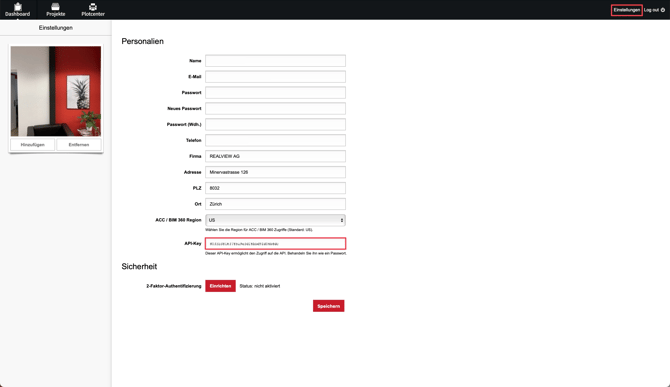
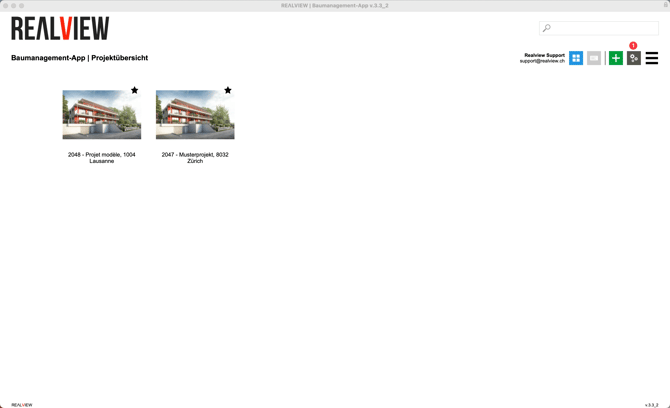
Now switch to the program settings (1) in REΛLVIEW via the project overview. Then, at the very bottom under the NewCopyStore integration, paste the
Link Project
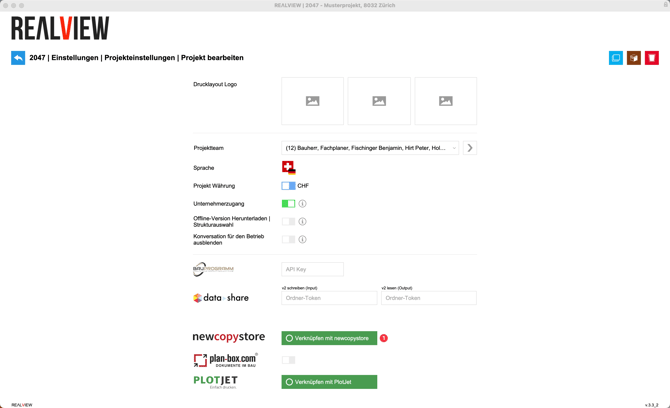
Go to the project settings and then to the Superuser project settings. Here, you now have the option to link the project with NewCopyStore. This option is only available for Superusers.
Import Plans
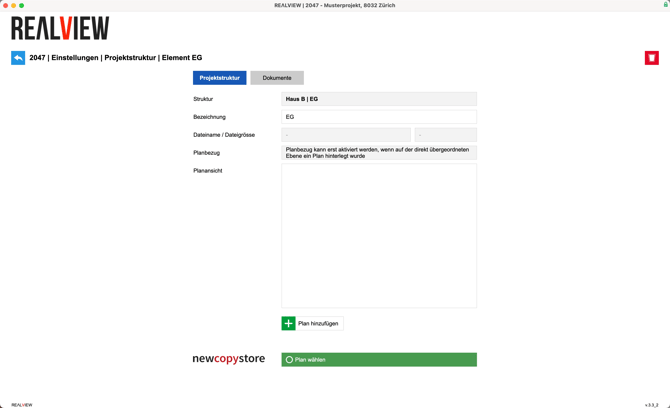
Open the project structure via the project settings and select the desired structure. You will then have the option to choose the plan from NewCopyStore.